
Guide
How to back up medication reminder data
Smart Meds Reminder can write a JSON backup file you control. Format version is 2.1. It covers medications, schedules, doses, expiration dates when present, and some settings - not intake journal history, and not a cloud account sync.
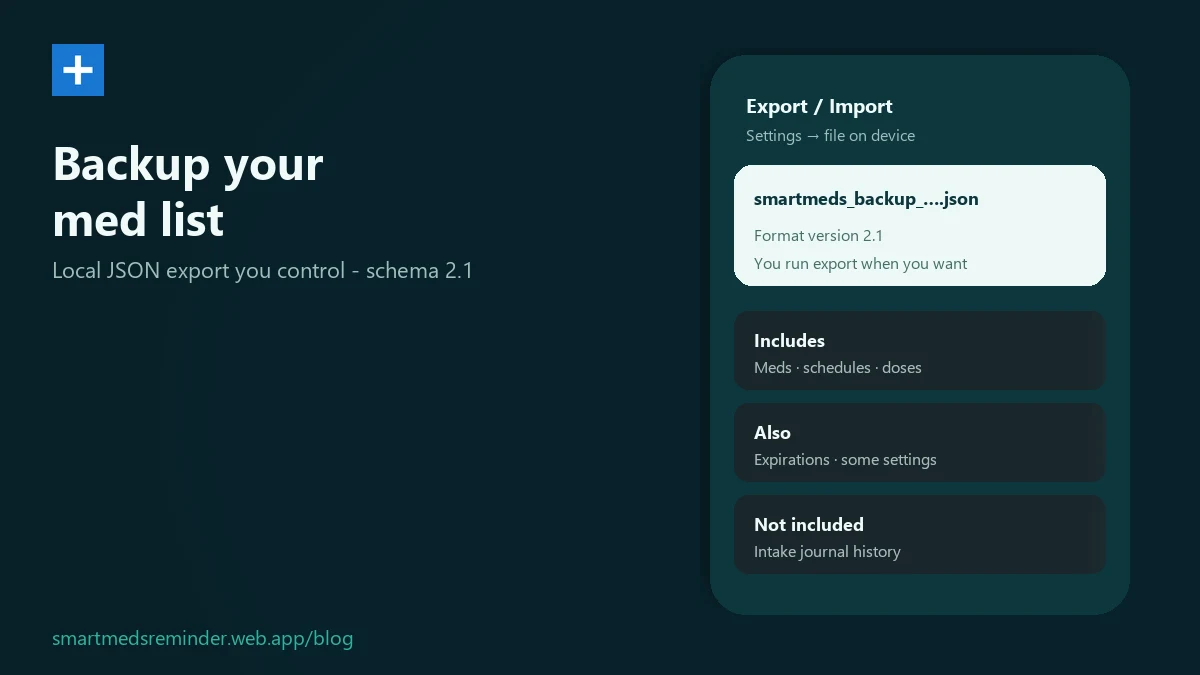
In-app steps
- Open Settings, then Export / Import.
- Tap Export Database. The app writes a file named like
smartmeds_backup_yyyy-MM-dd_HH-mm-ss.jsoninto the app's private storage. - Use Share on that file (or copy it out yourself) so you keep a copy outside the app - Drive, email, another folder.
- To restore, tap Import Database, pick the JSON file, and confirm. Import replaces the current data on the phone.
- On the free plan, import is limited to 3 medications. If the file has more, you will see a limit dialog - details in the free medication reminder limit guide.
Limitations
- This is a manual file backup, not automatic nightly cloud sync.
- Intake journal history is not included in the JSON export.
- Package photos are not packed into the file - only a stored image path string if one exists.
- Import replaces everything currently on the device after you confirm.
Smart Meds Reminder is a medication reminder and log. It is not medical advice and does not replace a qualified clinician or pharmacist.
FAQ
What version is the backup schema?
The current backup format version is 2.1.
Does export include intake history?
No. The JSON backup includes medications, schedules, doses, expiration dates when present, and some settings. Intake journal history is not written into the file.
Is backup automatic every night?
No. You run Export Database when you want a file. There is no claimed nightly cloud backup for this JSON.