
Guide
Free medication reminder limit explained
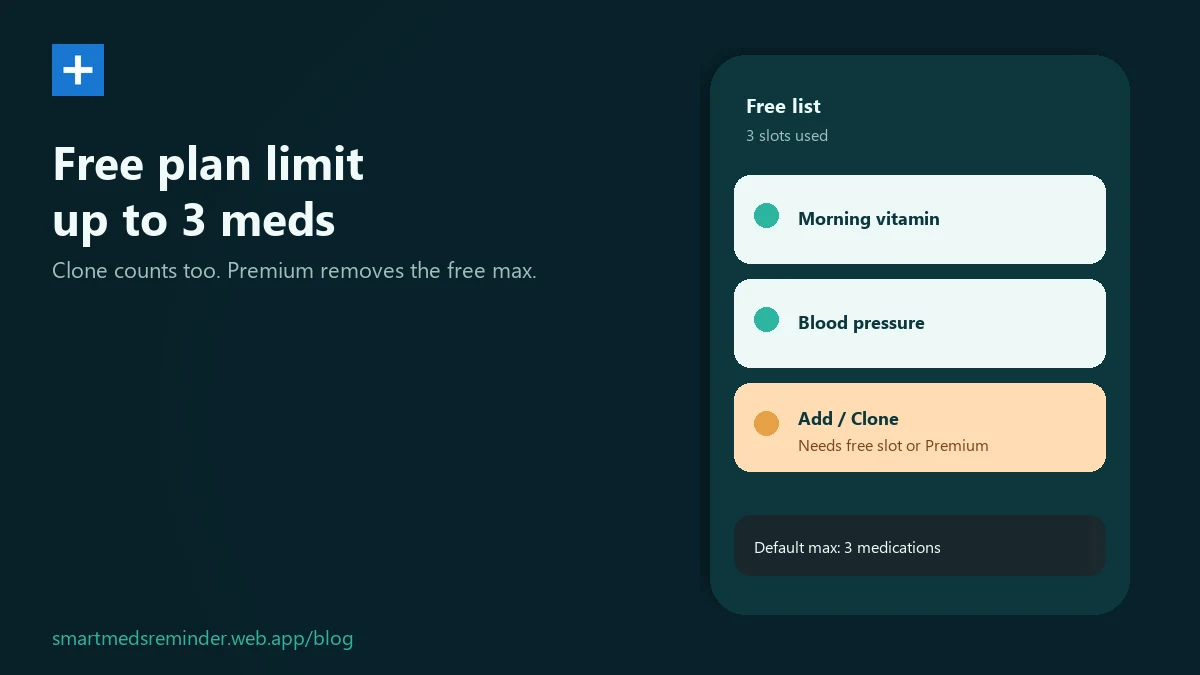
If Add or Clone stops working after a few medicines, you likely hit the free medication cap. By default that cap is 3 meds.
In-app steps
- Open the Meds list and count the entries you already saved.
- Try Add. If the app will not let you add another, you are at the free list cap.
- Clone also creates a new list entry - it does not bypass the cap.
- To free a slot: remove a med you no longer need, or check in-app options for a longer list.
Limitations
- The free plan includes up to 3 medications.
- A large JSON import also respects that same cap.
Smart Meds Reminder is a medication reminder and log. It is not medical advice and does not replace a qualified clinician or pharmacist.
FAQ
Does a cloned med take its own slot on the list?
Yes. After clone you have two entries - each counts on its own.
What if I cannot add another medication?
Remove an entry you no longer need, or check in-app options for a longer list. The free max defaults to 3 medications.
How many medications does the free plan include?
The free plan includes up to 3 medications. If you hit the cap, remove a med you no longer need or check in-app options for a longer list.