
Add a medication
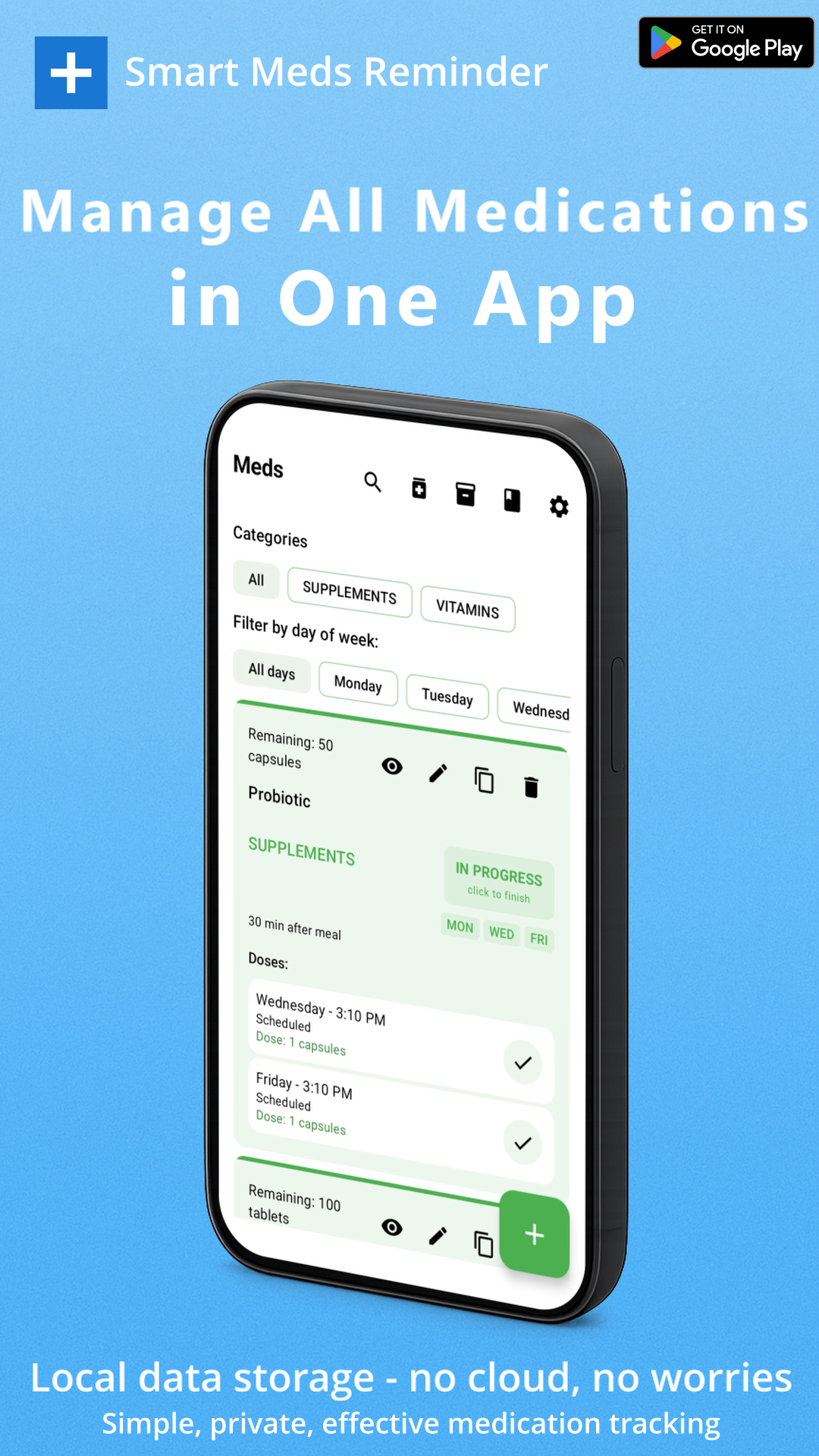
Enter name, form, dosage, schedule, notes, and optional photo — or scan packaging text into name or notes with on-device OCR.
Smart Meds Reminder
Android app · No sign-up · On-device data
Medication reminder for Android: dose alerts, Taken and snooze from the notification, on-device OCR into name and notes. Your medications stay on the phone.
Free to start · Up to 3 medications · EN & PL in the app
Three steps from empty list to a dose you can mark from the shade.
Enter name, form, dosage, schedule, notes, and optional photo — or scan packaging text into name or notes with on-device OCR.
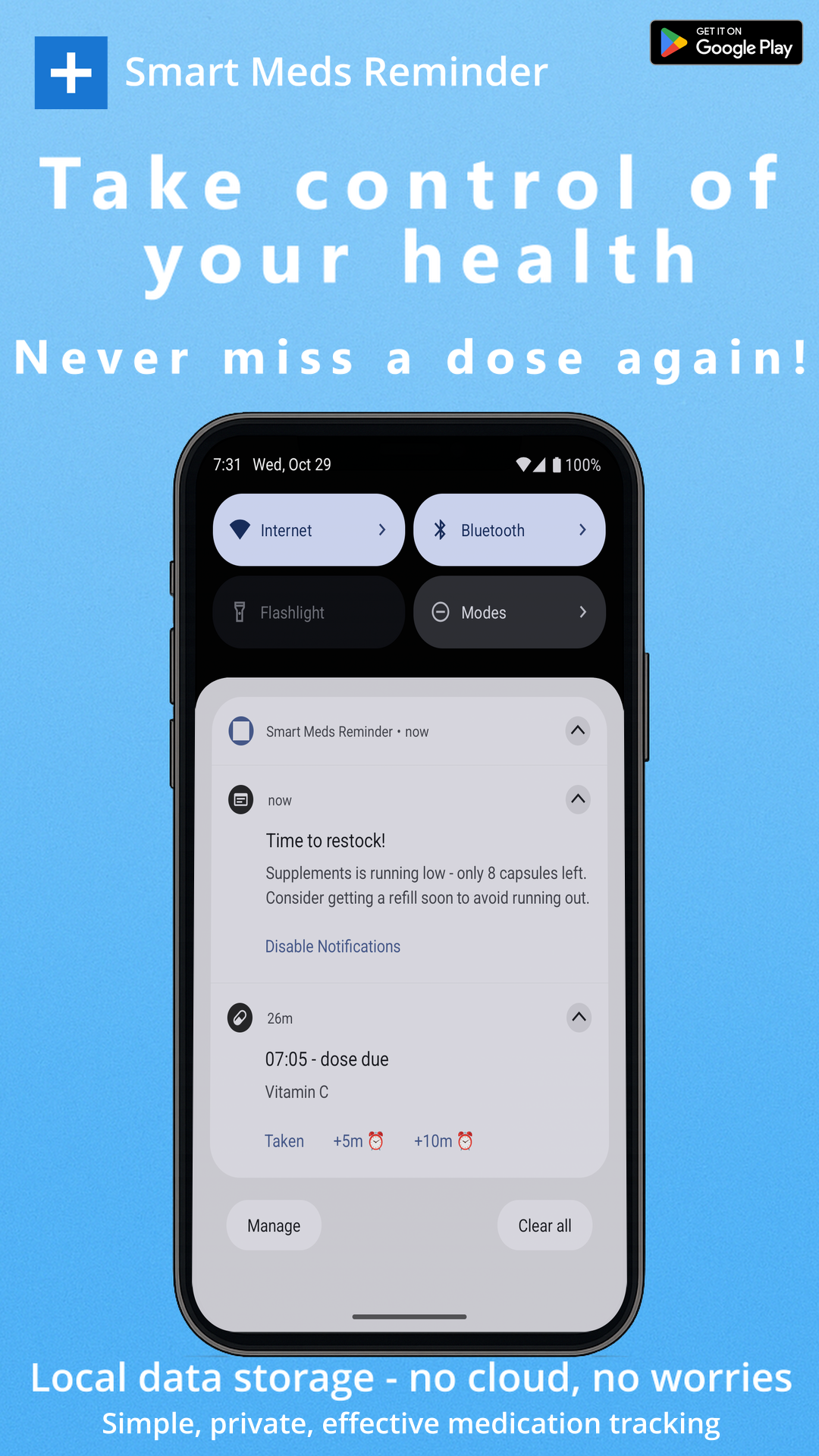
When a dose is due, Android shows a notification for that medication.
Mark Taken from the notification, or snooze for 5 or 10 minutes — without opening the app first.
Features match the Android app — including what is free vs Premium.
Scheduled dose alerts with Taken and snooze (5 / 10 minutes) actions on the notification.
FreeGoogle ML Kit scans packaging or label text on the phone. The result fills the name or notes field — not a full prescription parser.
Free toggle in SettingsMedications live in a local Room database. No sign-up and no cloud sync of your med list.
FreeDuplicate an existing entry with its details. Clones count toward the free medication limit.
FreeBack up medications, schedules, intake logs, and settings to a local JSON file you control.
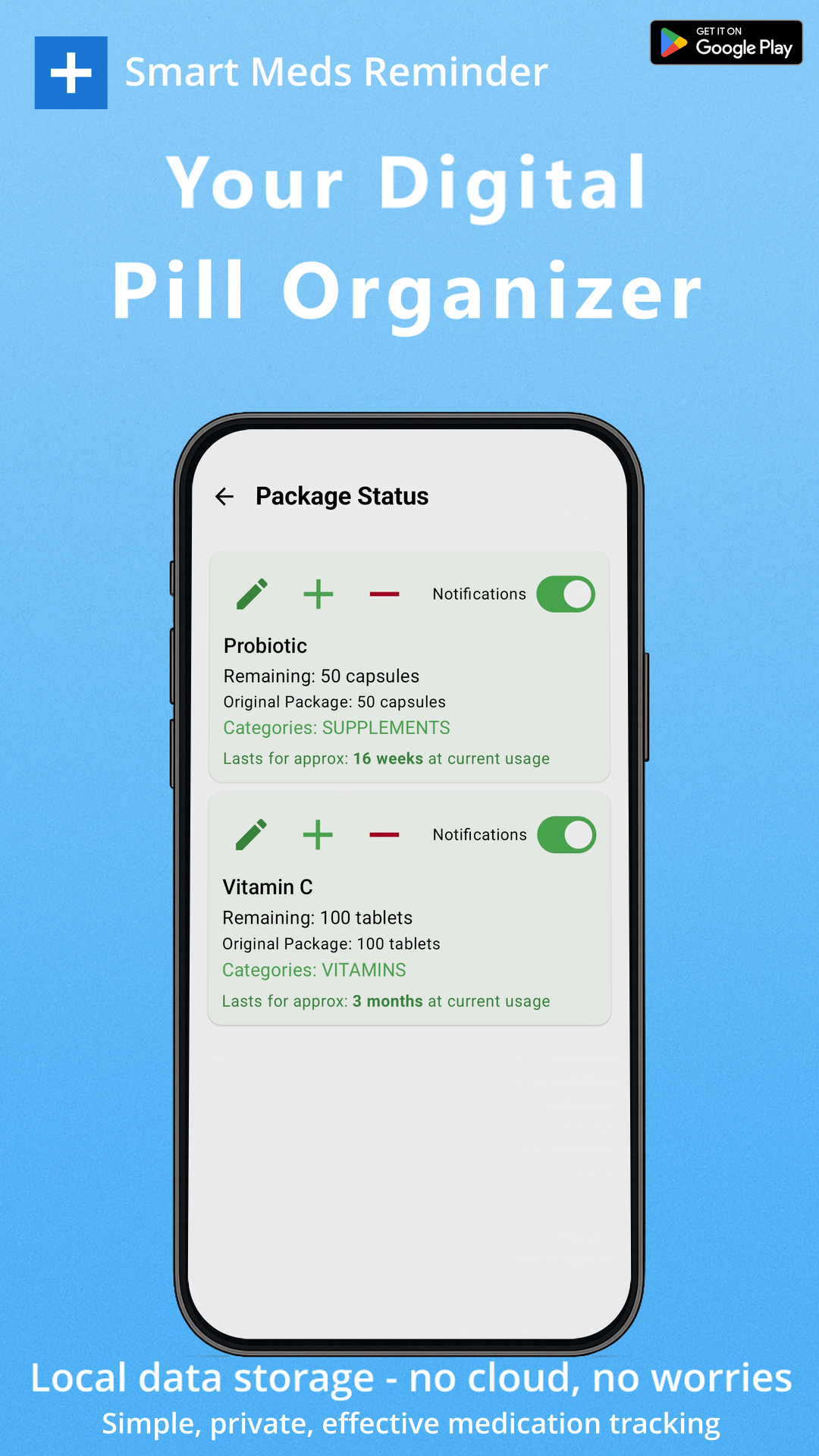
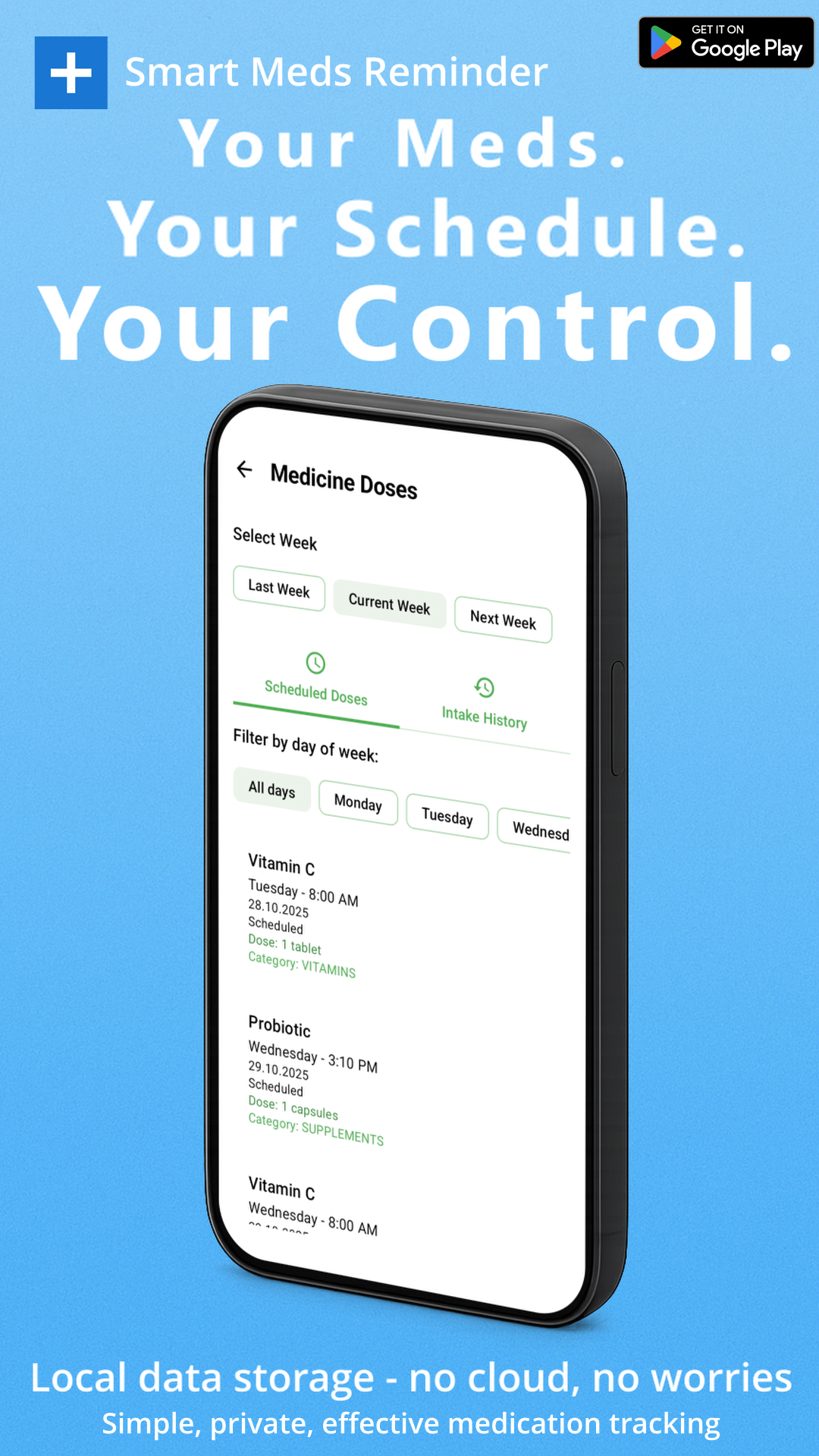
Free (import capped for free users)Full intake history, package / inventory tracking, and dose management screens unlock with trial or Premium.
Trial or PremiumSet package expiration dates and reminder days before expiry. Requires paid Premium (not included in trial).
PremiumHonest limits from the app defaults. Prices are only in Google Play.
Start without an account
Unlock more when you need it
Real screenshots from Smart Meds Reminder.
Straight answers from how the app is built.
No. The app works without registration. Medication data stays on your device.
Yes, with limits: up to 3 medications by default, and ads may show. Premium removes the cap and unlocks journal, packages, doses, and expiration tracking.
Yes. Scanning uses Google ML Kit on the device. Text goes into the name or notes field — it does not auto-fill dosage or form.
Yes. Notifications include Taken plus snooze for 5 or 10 minutes.
Yes. Export and import a local JSON backup. There is no automatic cloud sync of medications.
The in-app language picker supports English and Polish.
No. Smart Meds Reminder is a reminder tool only. It does not diagnose, treat, or replace a doctor or pharmacist.
Quick look at the product on YouTube.
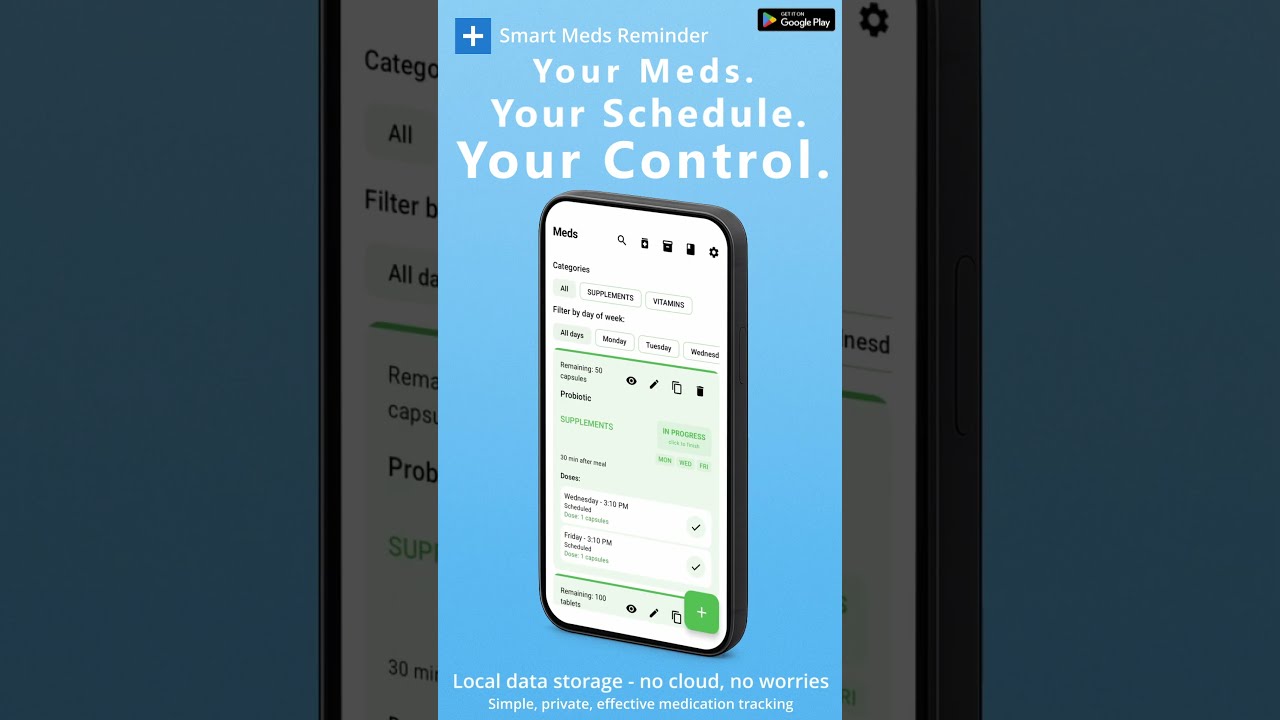
Free to start on Google Play. No account. Medications stay on your phone.
Smart Meds Reminder is not a medical device and does not provide medical advice, diagnosis, or treatment. Always follow your doctor or pharmacist.