
Guide
Several people on one phone - use categories, not cloud sync
If several people at home take meds, Smart Meds Reminder keeps one local list on the phone you use. Separate people with Category. There is no family cloud sync and no caregiver account.
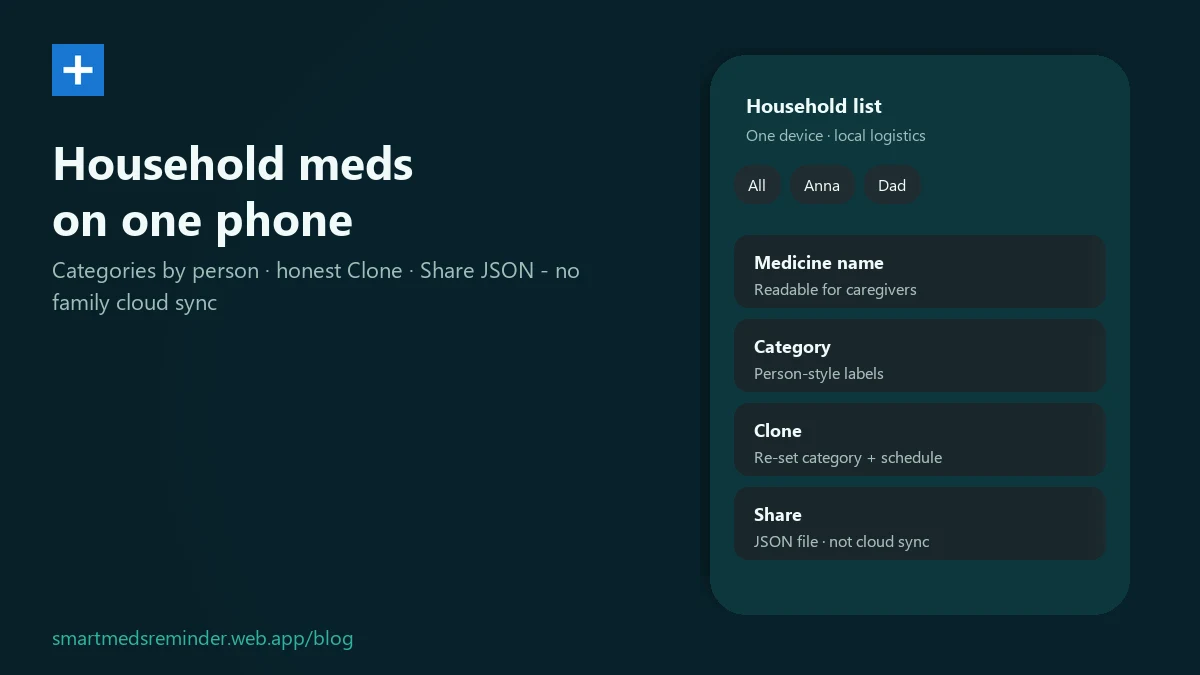
In-app steps
- On the meds list, tap New Med.
- On Add Medicine, enter the medicine itself in Medicine name - as on the package.
- In Category, enter the person (a name or label, e.g. Mom). That is how you separate people on one list.
- In Description, you can add a short home note (fridge, cabinet) - not dosing advice.
- Set reminder days and times, then tap Save.
- On the home list, filter with Categories: All, your person labels, Taken, Finished. Optionally use Filter by day of week for a chosen day.
- Similar med: tap Clone on the card → Clone Medicine. Set Category and the days/times again - clone does not carry those over - then Save.
- Copy to another phone (optional): Settings → Export / Import → Export Database → Share. On the other phone choose Import Database and confirm - import replaces that phone's list. Intake history is not in the file.
Limitations
- No family cloud sync - the list stays on the phone you maintain it on.
- No caregiver mode or separate account for the list (see use a medication reminder without creating an account).
- Clone opens a draft. You set category and schedule before save.
- File import replaces the list on the target phone.
First-time setup: how to set a medication reminder on Android.
Smart Meds Reminder is a medication reminder and log. It is not medical advice and does not replace a qualified clinician or pharmacist.
FAQ
Can two caregivers edit one cloud list together?
No. The app has no family cloud sync. Keep the list on the phone you use at home. For another phone, Share an export file, then Import Database (import replaces the list on that phone).
How do I label meds for different people?
Put the person in Category. Keep Medicine name for the medicine. Filter the home list with Categories.
Do I need a special caregiver account?
No. There is no caregiver mode or separate account for the list. You can keep a local list without signing up.